


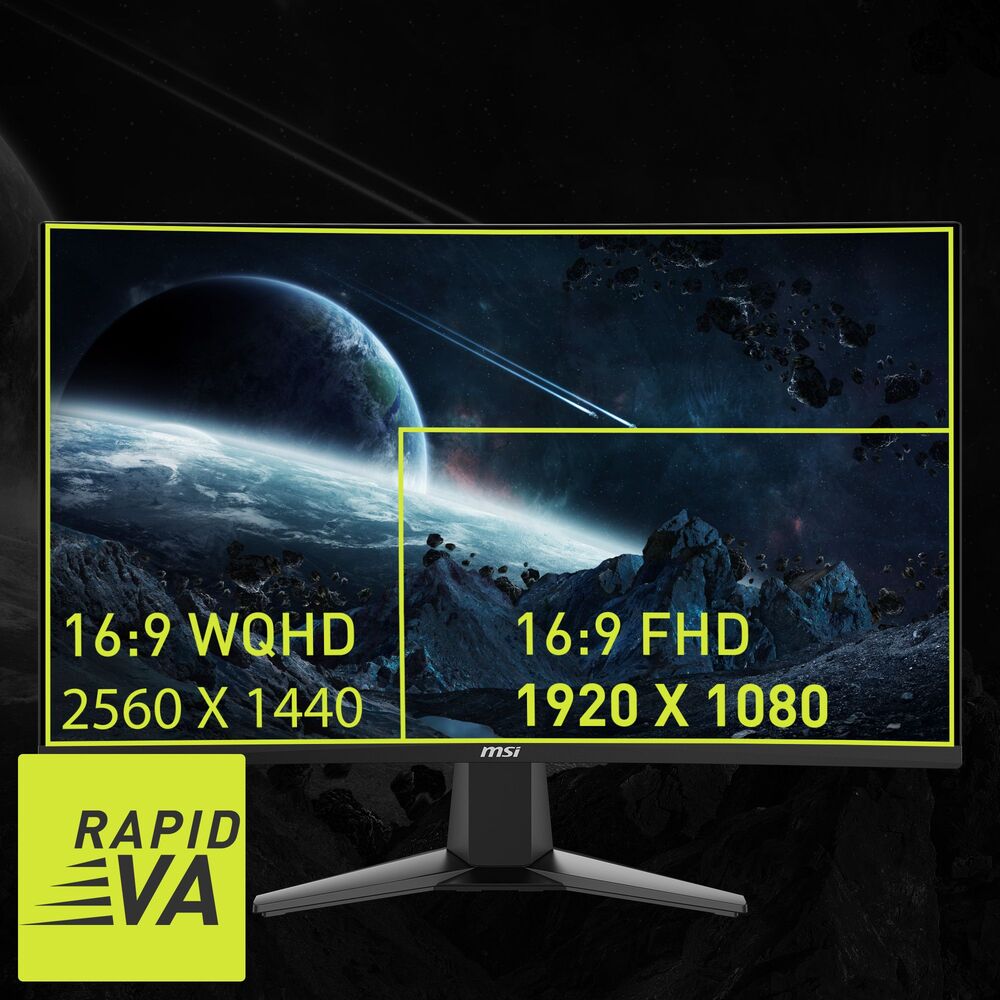
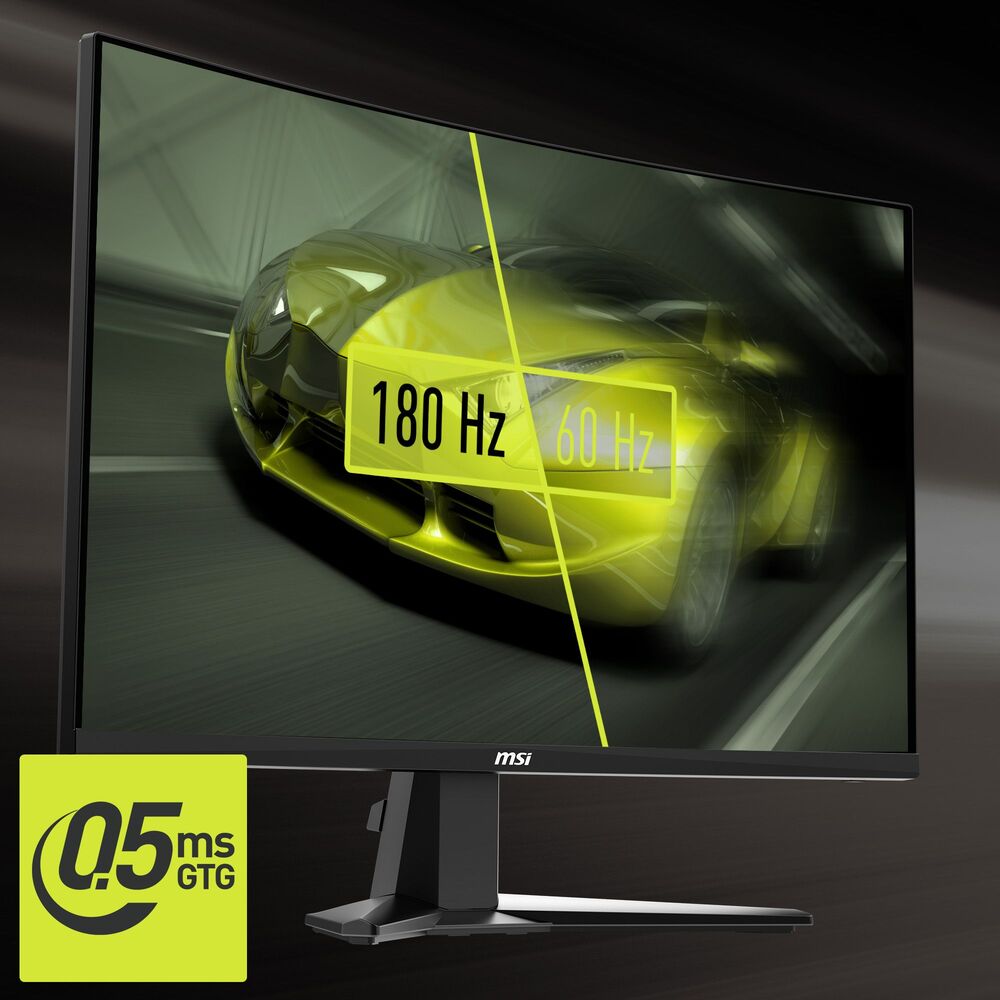
Experience next-level immersion with theMSI MAG 27CQ6F, a27-inch WQHD Curved Gaming Monitorengineered for esports and high-performance gaming. Featuring a1500R Curved Rapid VA Display, an ultra-fast180Hz Refresh Rate, and a0.5ms Gray-to-Gray Response Time (Minimum), it delivers stunning visuals and lightning-fast responsiveness.
-
Immersive Curved Design– 1500R curvature surrounds your vision, reducing distractions and enhancing gaming immersion
-
Sharp WQHD Resolution– Featuring a2560×1440 Rapid VA Displaywith a178° Wide Viewing Anglefor crisp images and vivid colors
-
Smooth Responsiveness–180Hz Refresh RatewithAdaptive Synceliminates screen tearing, and0.5 ms Grey-to-Grey Response Time (Minimum)Ensures precise tracking for competitive gaming
-
Full Spectrum Display– With1.07 billion colors (105% sRGB)for true-to-life images with rich colors and smooth transitions
-
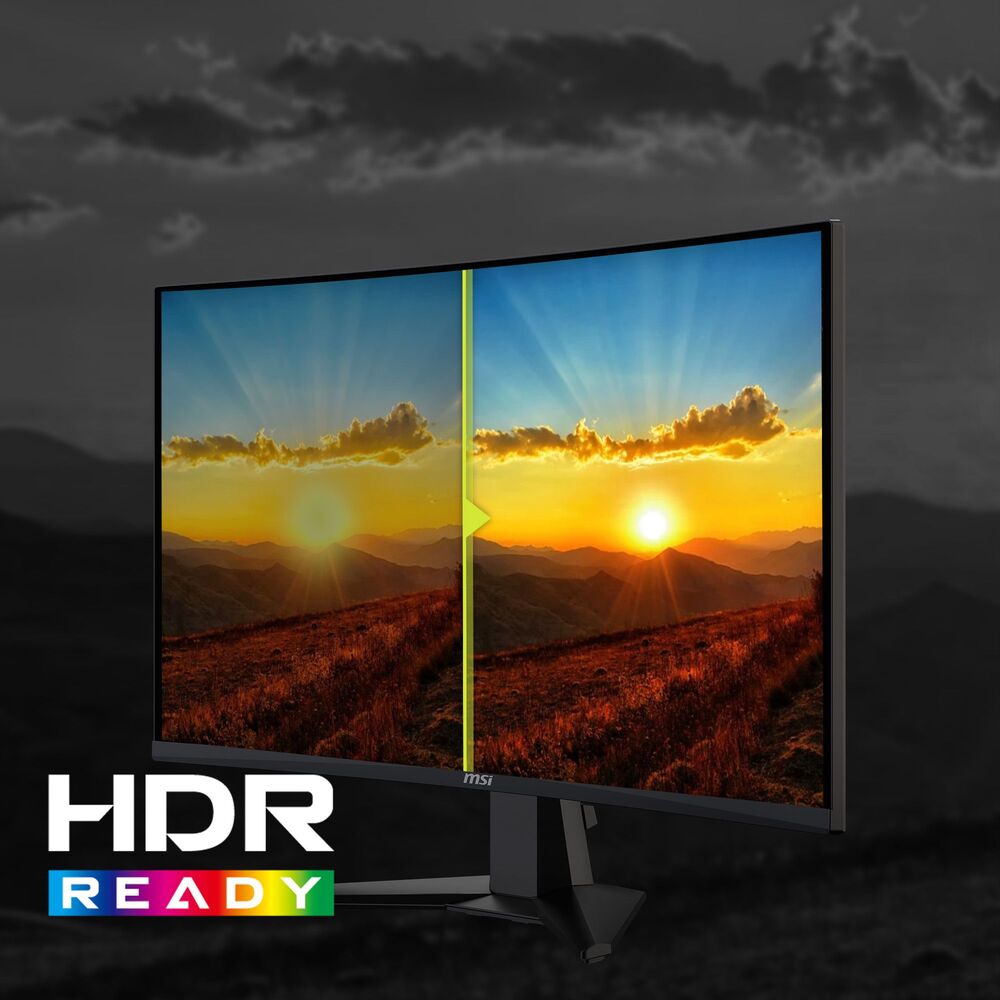
AI Vision & Dynamic Contrast–1:5000 native contrast ratiowith dynamic contrast technology (1:100 million) for deep blacks and vivid highlights. AI Vision technology automatically optimizes brightness and details in dark areas
-
Eye Comfort During Long Gaming Sessions– TÜV Rheinland CertifiedLow Blue Light TechnologyandAnti-Flicker Technologyto reduce eye strain during long gaming sessions
-
Frameless Multi-Screen– Minimalist, frameless design minimizes gaps between screens for a seamless multi-monitor experience
-
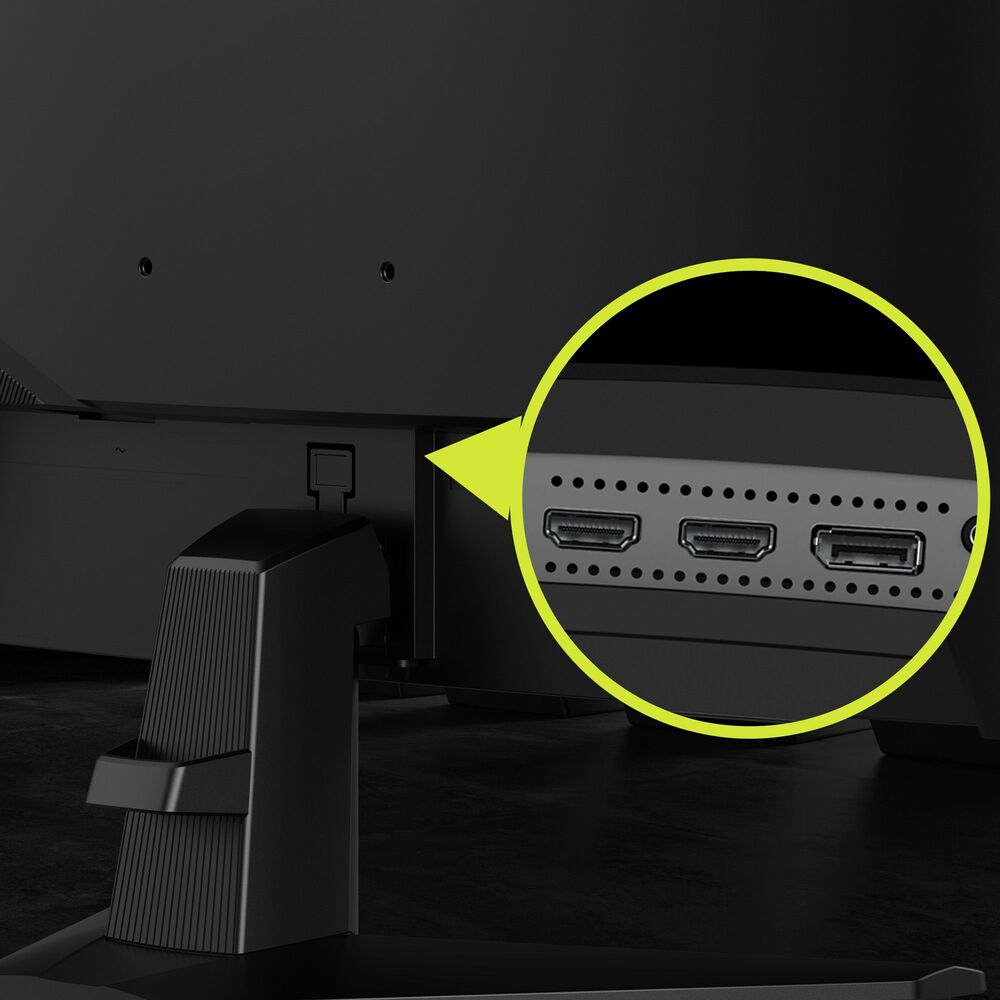
Console-Friendly– The monitor can be activated via game controller; supportsHDMI™ 2.0b for WQHD@144Hz,DisplayPort 1.4a for WQHD@180Hz
-
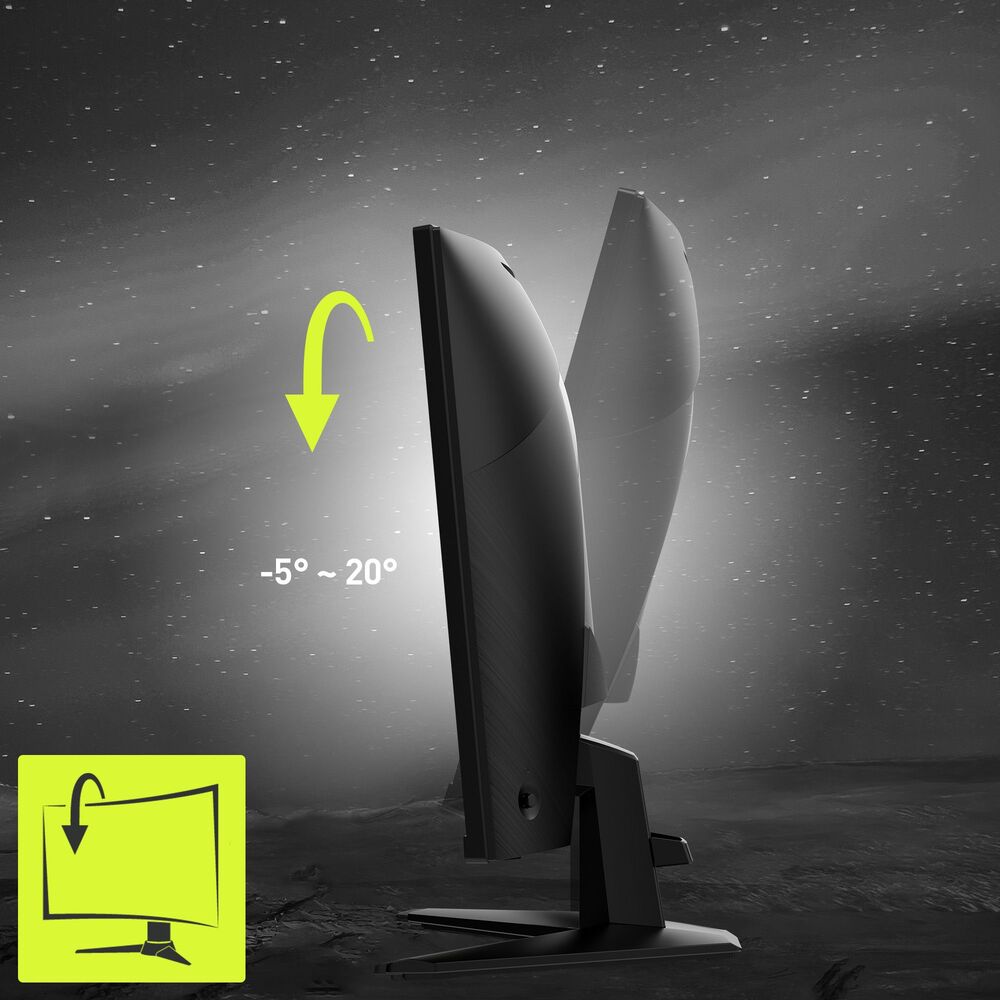
Intuitive Control–Five-way navigation joystickSimplified OSD settings, tilt adjustment for stand comfort,VESA mountableFor flexible installation
Instructions
-
Setup and Connection: Align the stand with the base and secure it. Connect the included DP cable to your graphics card for full 180Hz performance, or use the HDMI cable for consoles/laptops (up to 144Hz). Plug in the power cable.
-
Refresh Rate and Sync Settings: Set the refresh rate to 180Hz in the Windows/NVIDIA/AMD control panel. Enable "Adaptive Sync" in the monitor's OSD menu for dynamic refresh rate synchronization.
-
Visual Mode Optimization: Access the OSD menu via the five-way joystick and select preset modes (e.g., FPS, RTS) based on the game type. Activate "AI Vision" to automatically optimize dark details.
-
Multi-Screen Setup: Use the frameless design to arrange multiple monitors side by side. Adjust the arrangement and orientation in Windows display settings, and fine-tune the alignment using the monitor's OSD.
Safety Warning
Warning: This product is an electronic display device. Do not open the monitor casing, as high-voltage components are inside. Avoid splashing liquids or blocking ventilation holes with foreign objects. Use the provided or certified power cables. Ensure the desk is stable when placing the monitor to prevent tipping. Prolonged gaming at high brightness may cause the screen surface to warm up, which is normal. Keep packaging materials (e.g., plastic bags) away from children to avoid choking hazards.
