DJI

DJI Osmo Mobile 7P Gimbal Stabilizer for iPhone and Android, with Native Tracking, Quick Launch, One-Tap Edit, Built-in Extension Rod & Tripod, 10 hrs Use

star-balck4.4(5 reviews)|400+ sold
£119.00
£20 off over £200View coupons
Series:DJI Osmo Mobile 7P
Quantity

Delivery option

Delivery
Delivery by Today 22:00
order before 11:00
£3.99 FREE
or
Pickup
Unavaliable

Guarantee

30 Days Free Returns
24/7 Customer Support

Frequently bought together

  • Product Description
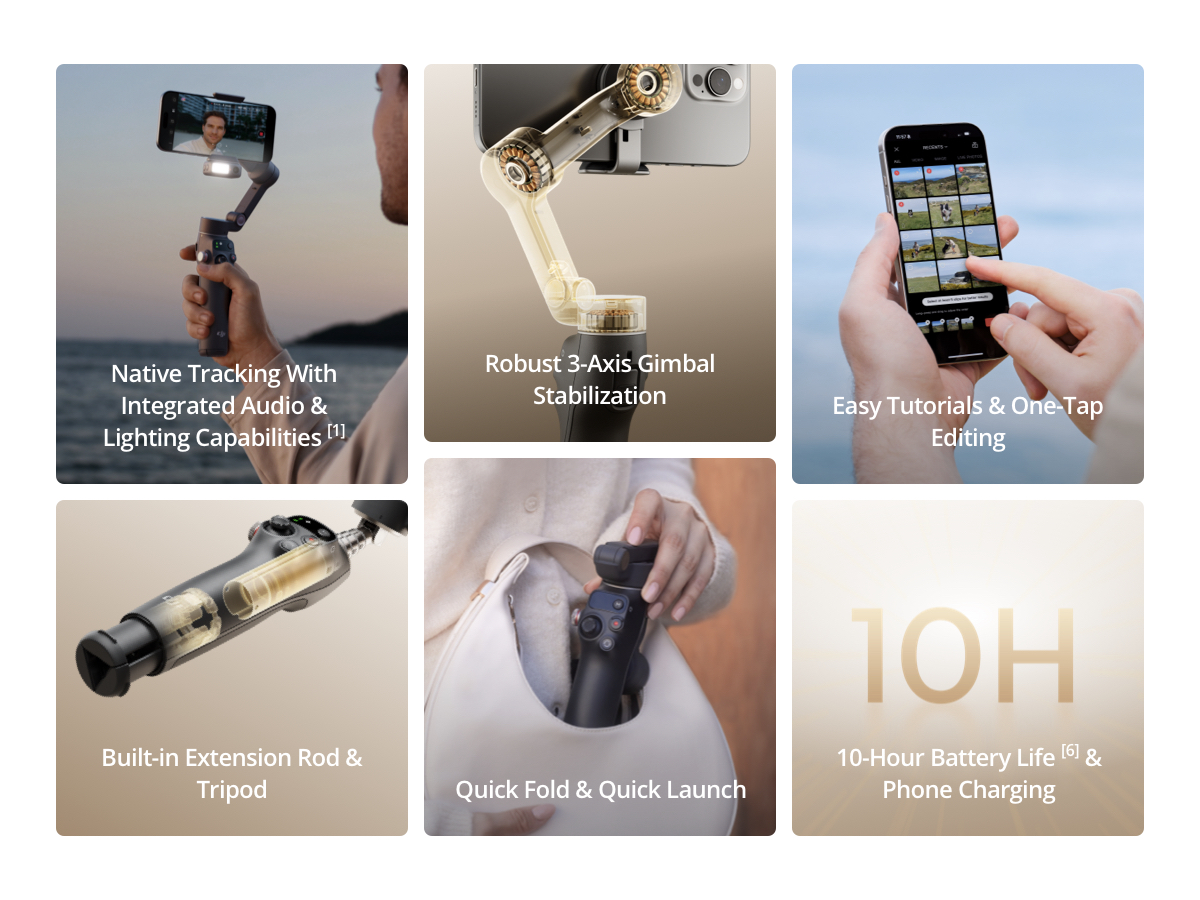
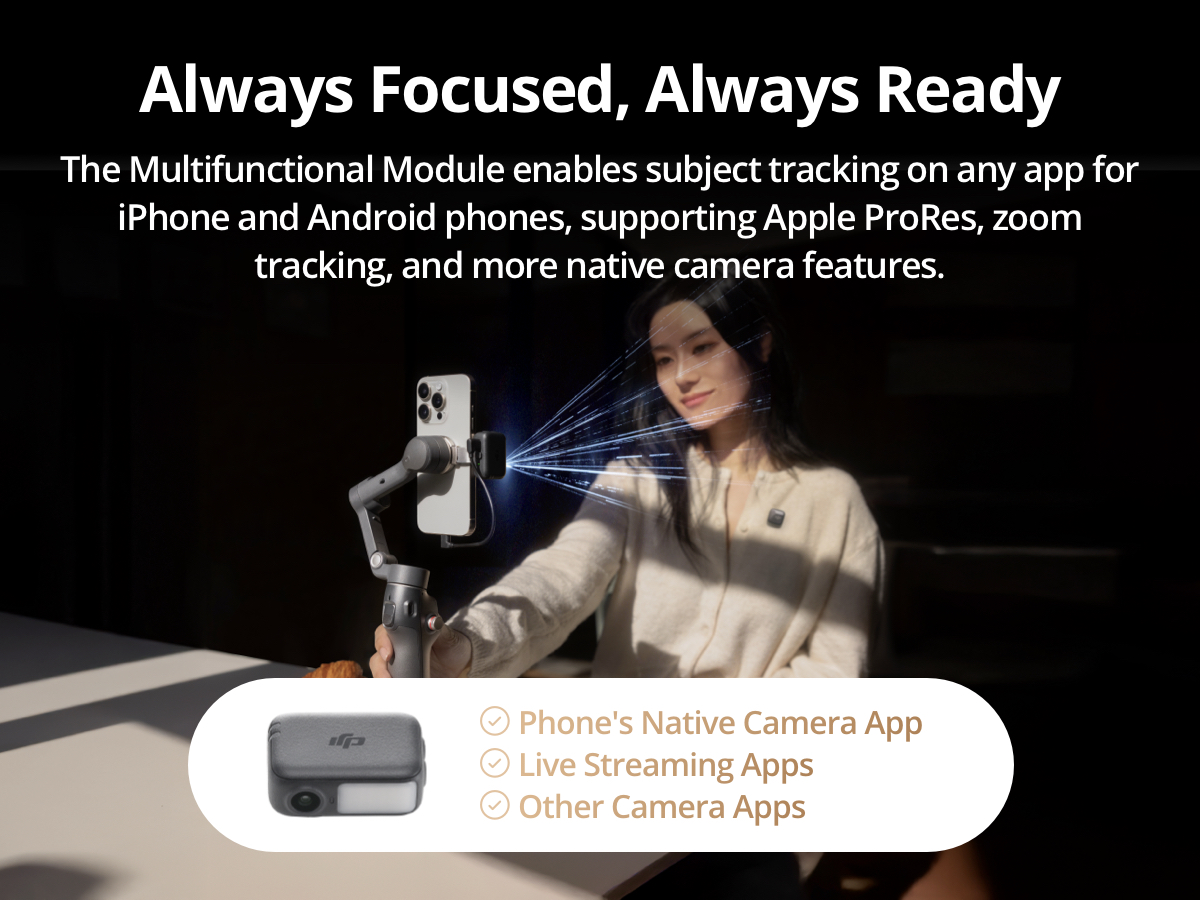
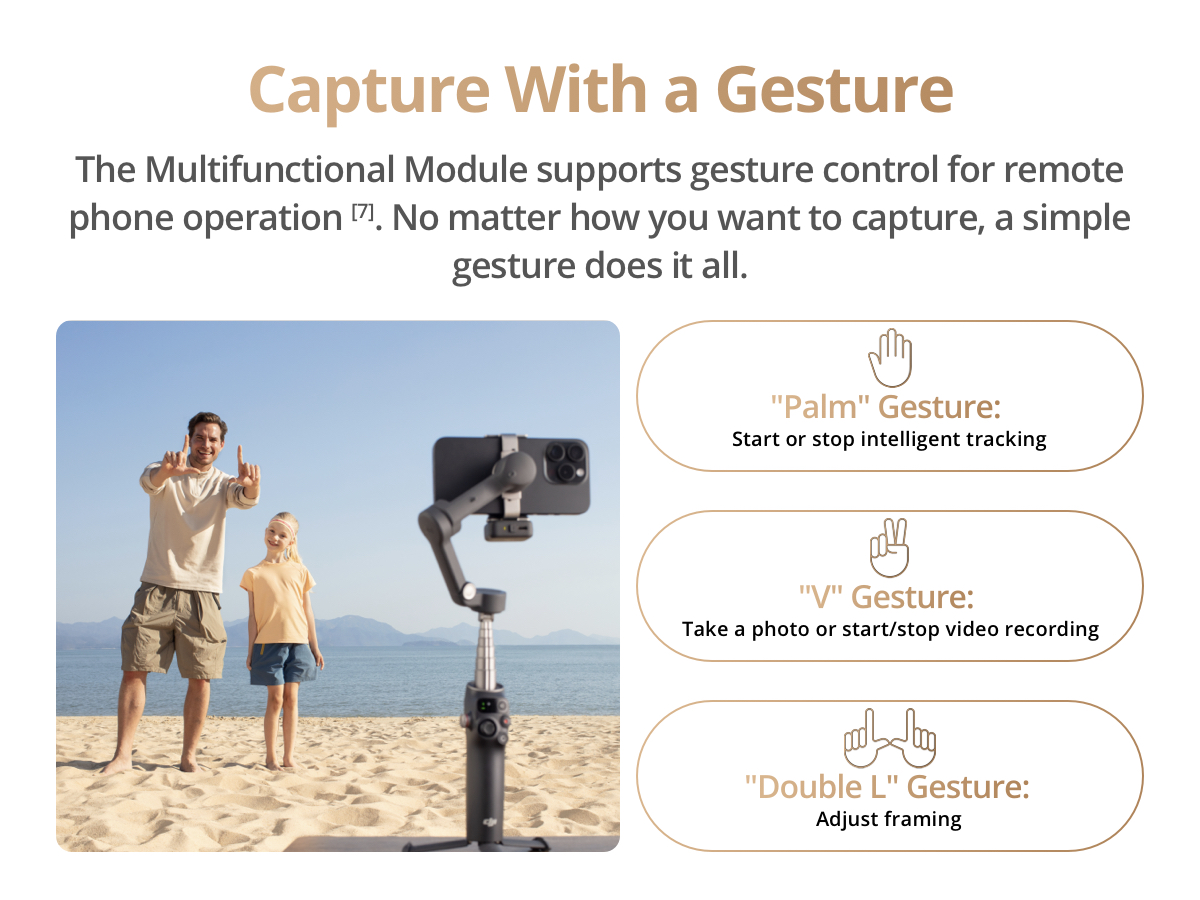
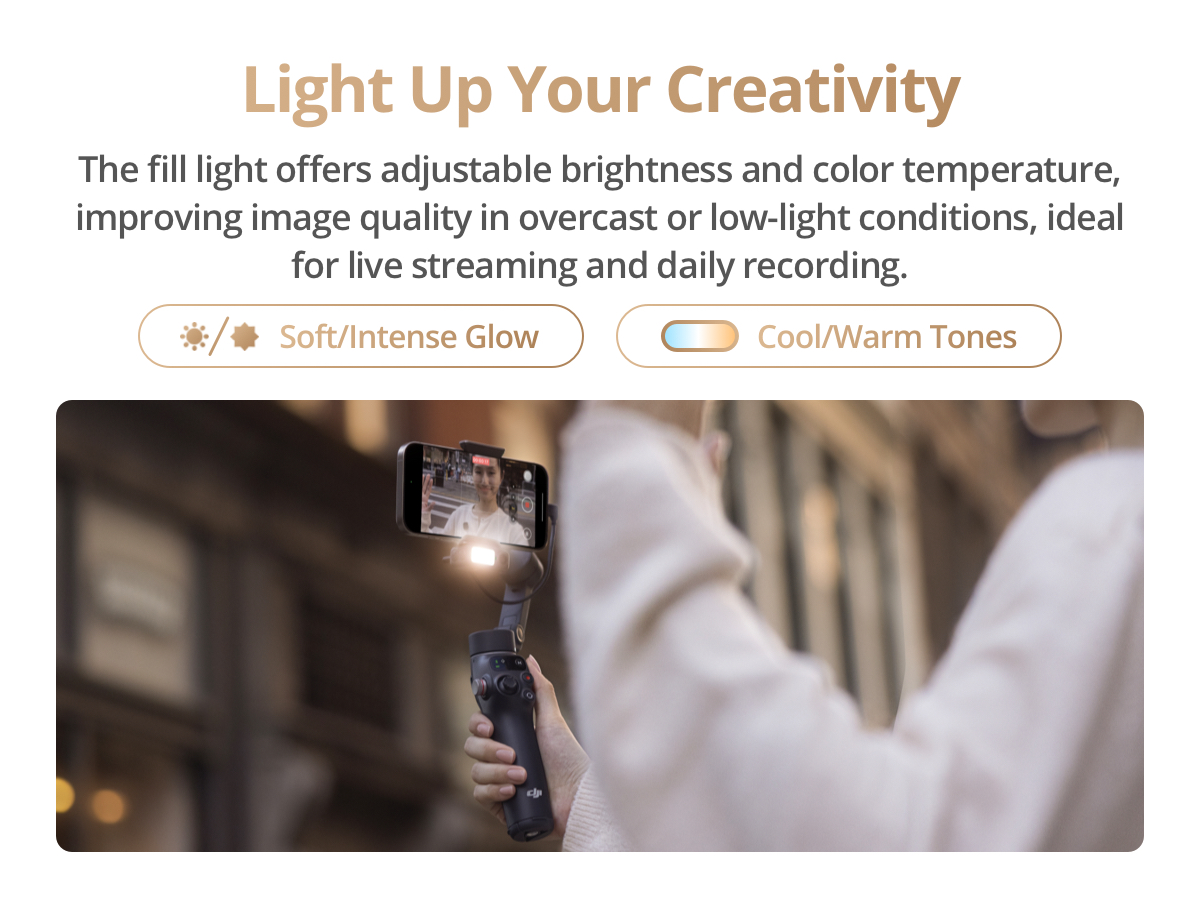
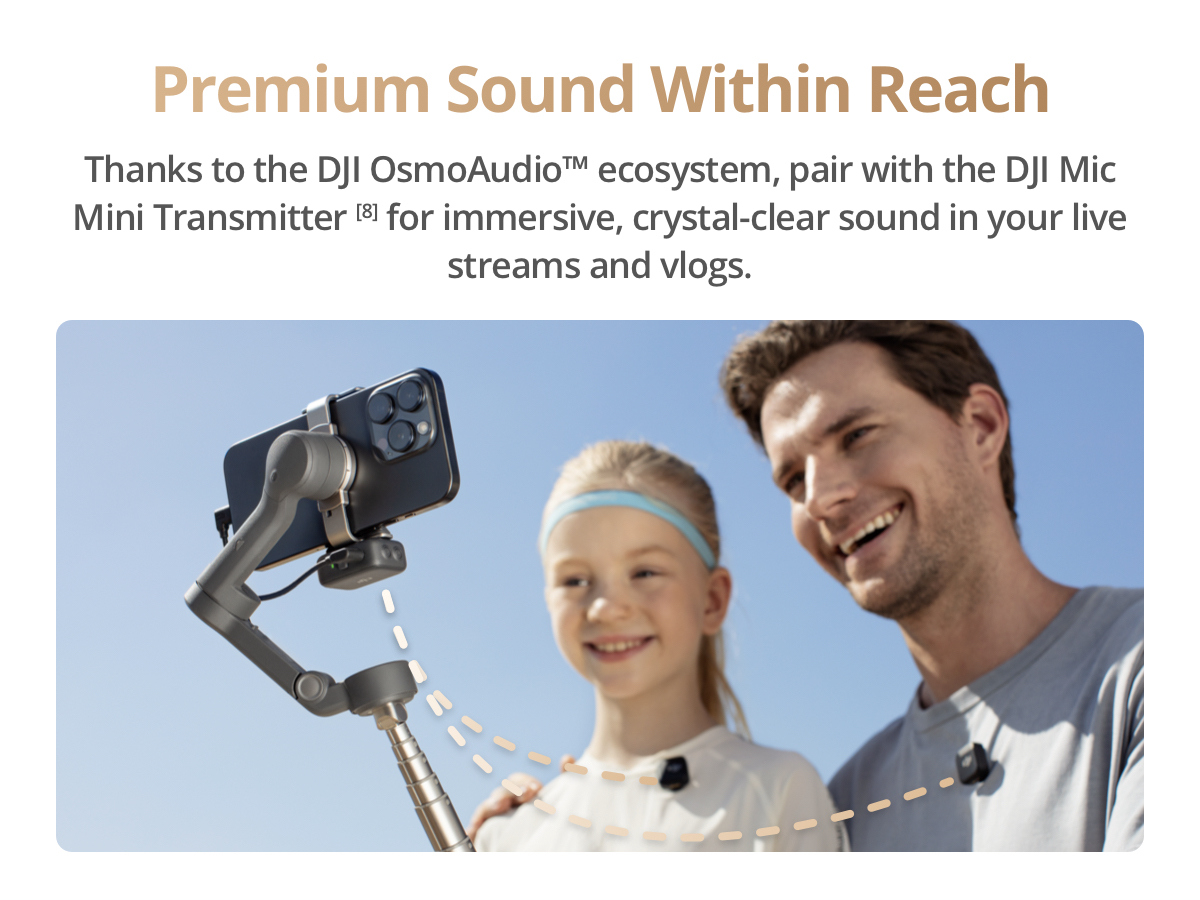
    • Snap the Spectacular - The Multifunctional Module packs intelligent tracking, DJI Mic 2/DJI Mic Mini reception, and lighting features into one compact unit. Pair it with your phone gimbal for ideal shots every time.
    • Experience Seamless Stability - Osmo Mobile 7P's robust 3-axis gimbal stabilization ensures lossless stability. Capture creative bursts and craft stunning, cinema-quality masterpieces with ease.
    • Capture Like a Pro From Day One - Pair your Osmo Mobile 7P with DJI Mimo for ShotGuides and One-Tap Edit. Film and edit like a pro, saving time and enhancing your creative storytelling instantly.
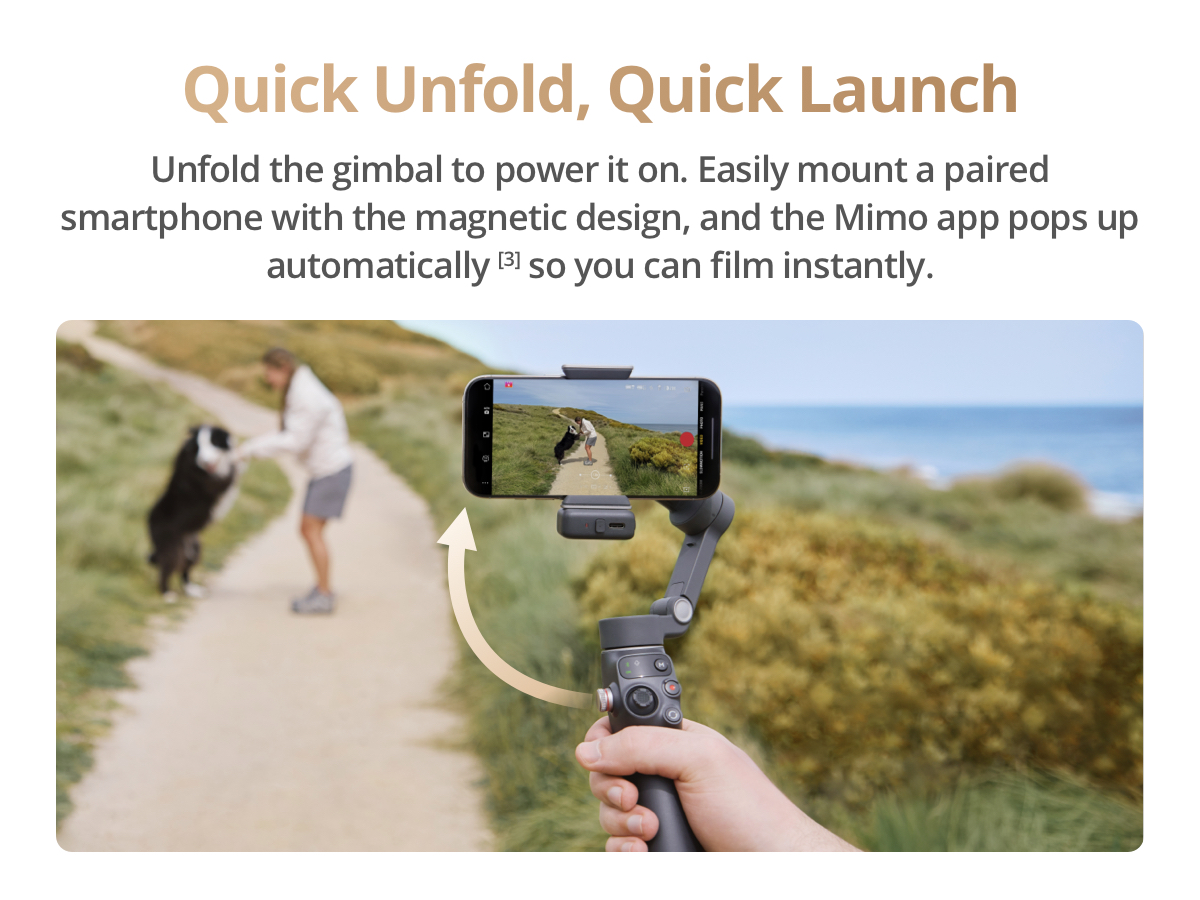
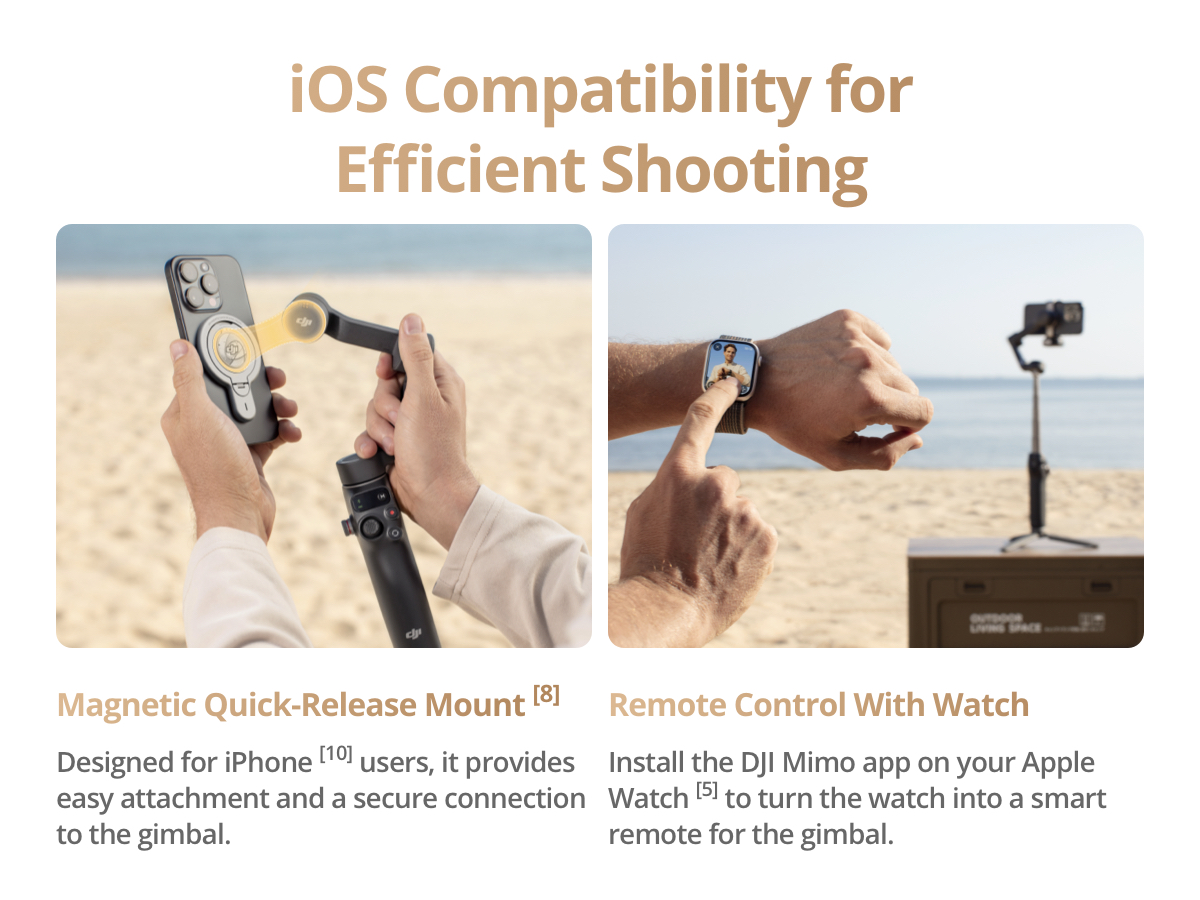
    • So Quick, So Easy - Unfold the gimbal to power it on. Easily mount a paired smartphone with the magnetic design, and the Mimo app pops up automatically [3] so you can film instantly.
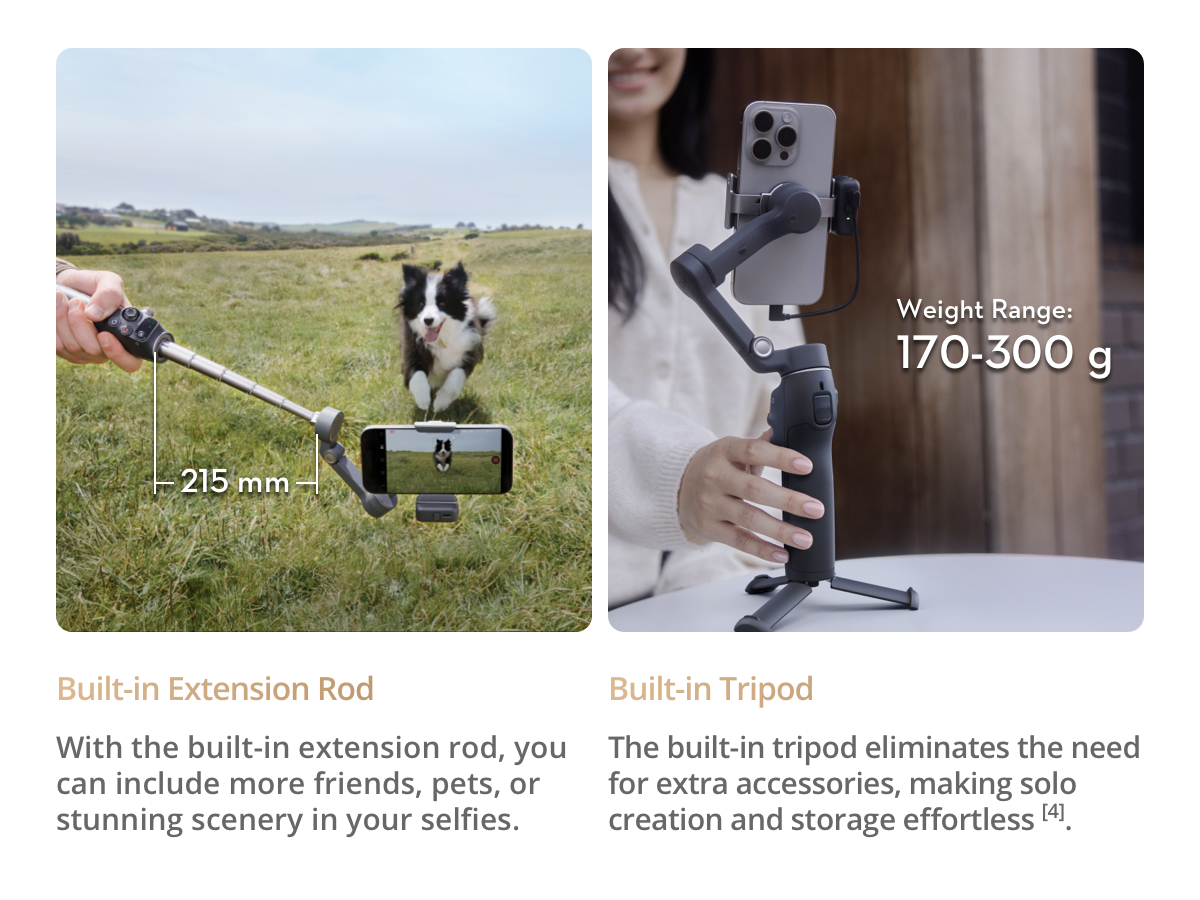
    • Streamline Your Creativity - Osmo Mobile 7P's built-in extension rod and tripod [4] let you capture wide selfies and steady vlogs with ease, offering creative freedom without the hassle of extra gear.
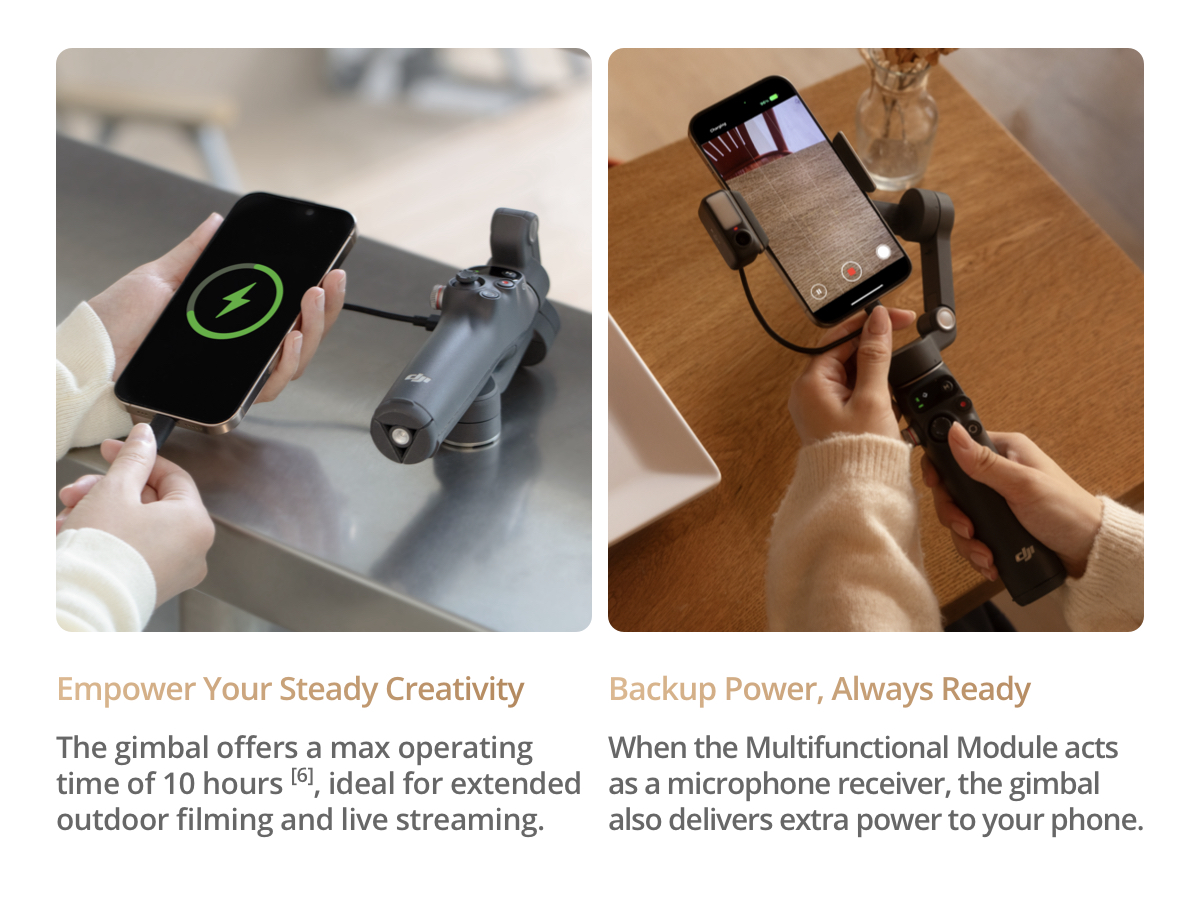
    • Empower Your Steady Creativity - Osmo Mobile 7P offers a max operating time of 10 hours [6]. When the Multifunctional Module acts as a mic receiver, the gimbal also delivers extra power to your phone.
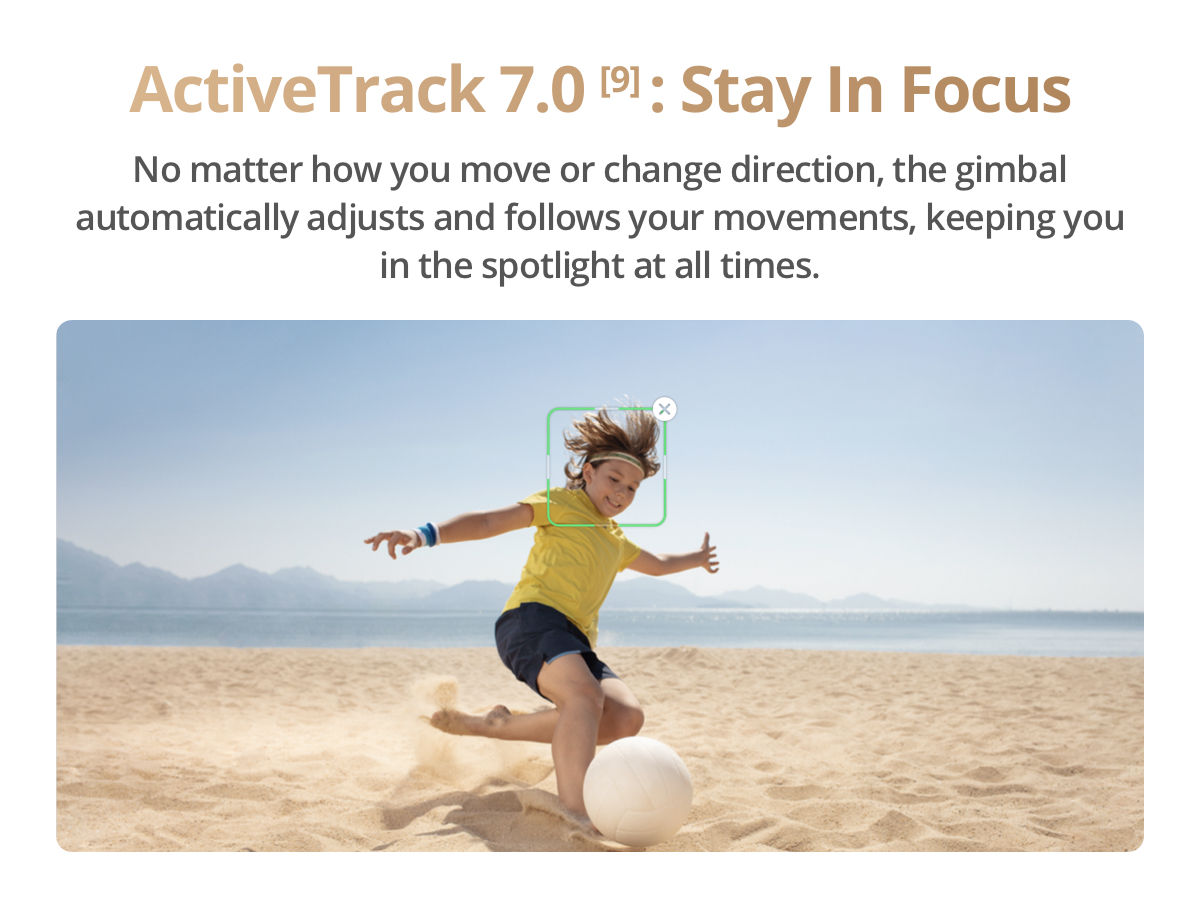
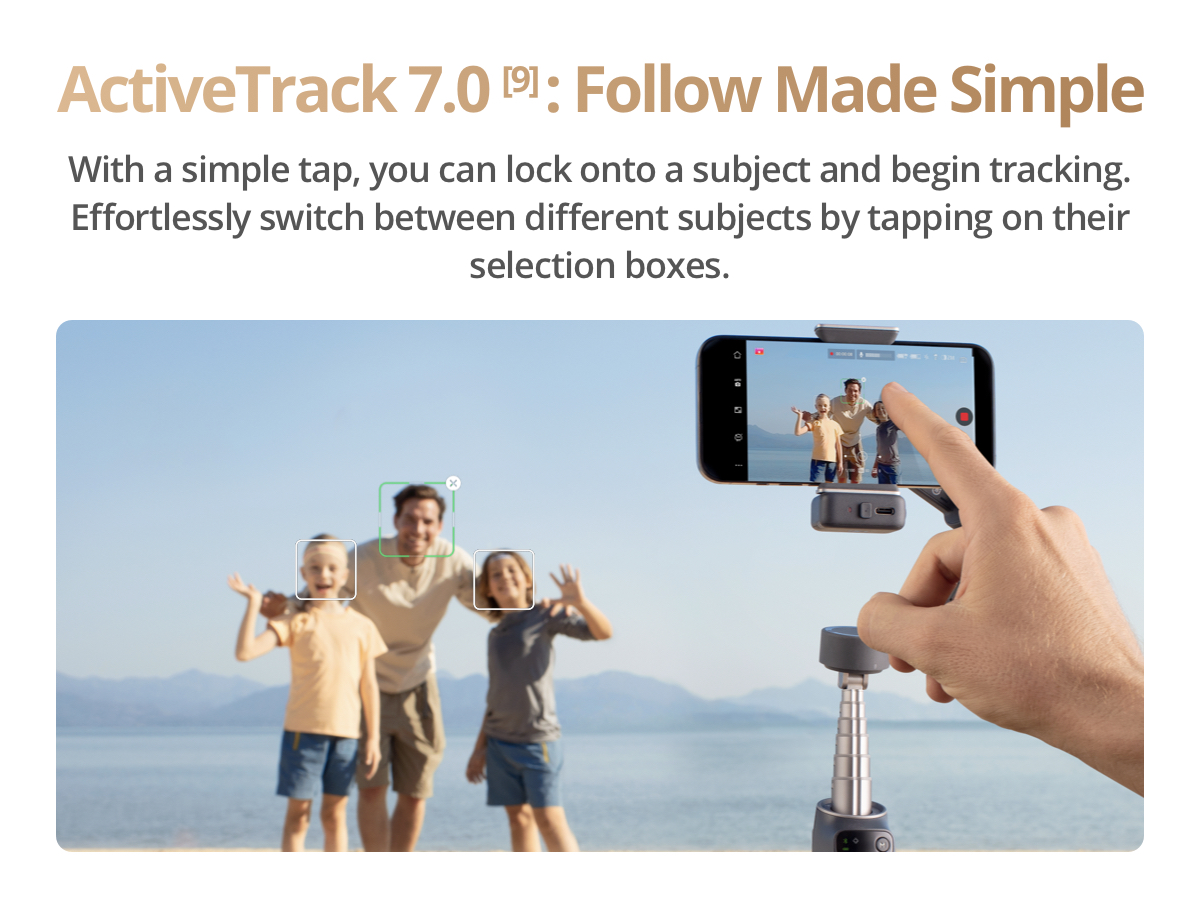
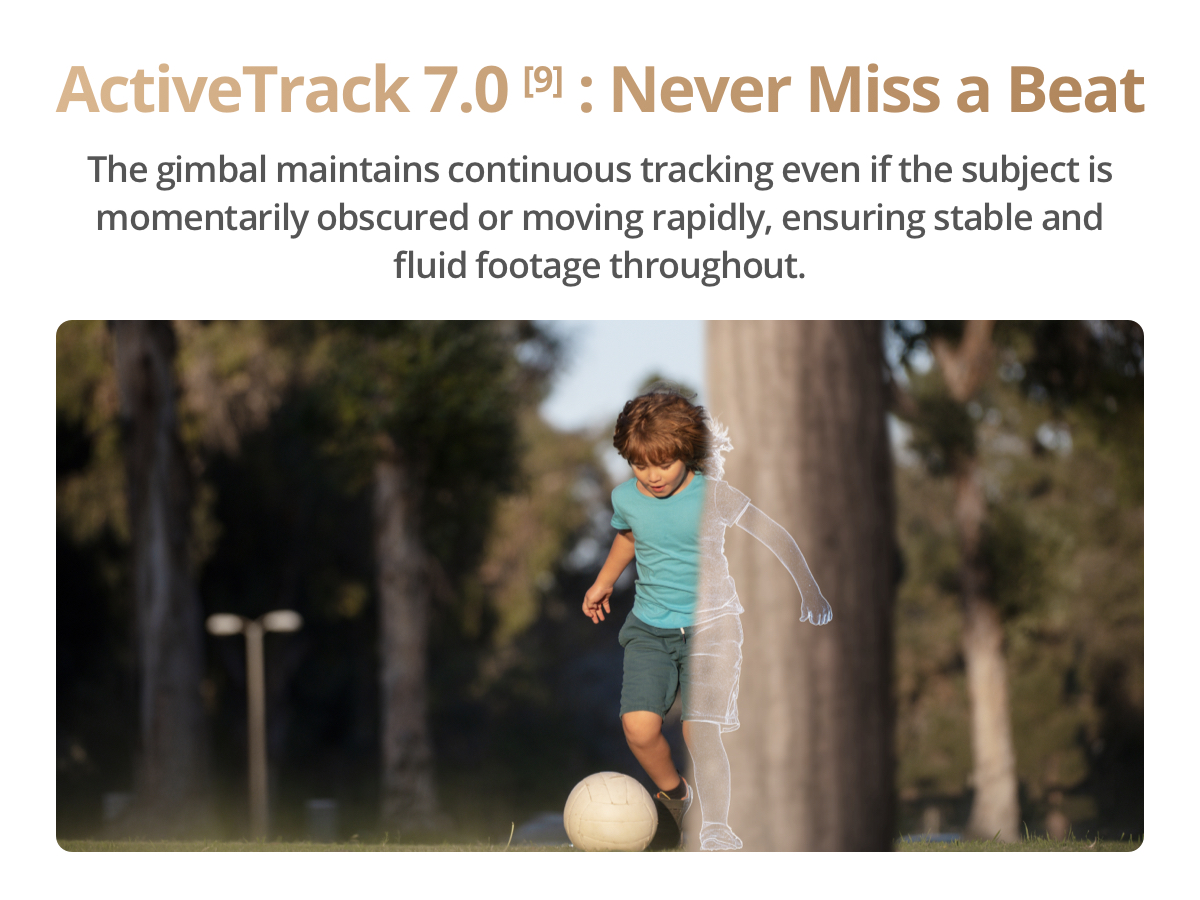
    • Dual-Lens Enhanced Tracking -The two lenses on your phone team up for smarter, steadier tracking. Your subject can move more freely, and even fast, close-up action stays in sharp focus.
    • Includes the gimbal, Multifunctional Module, DJI OM 7 Series Magnetic Phone Clamp, etc. Achieve precise, stable tracking with this all-in-one design—a great choice for content creators.
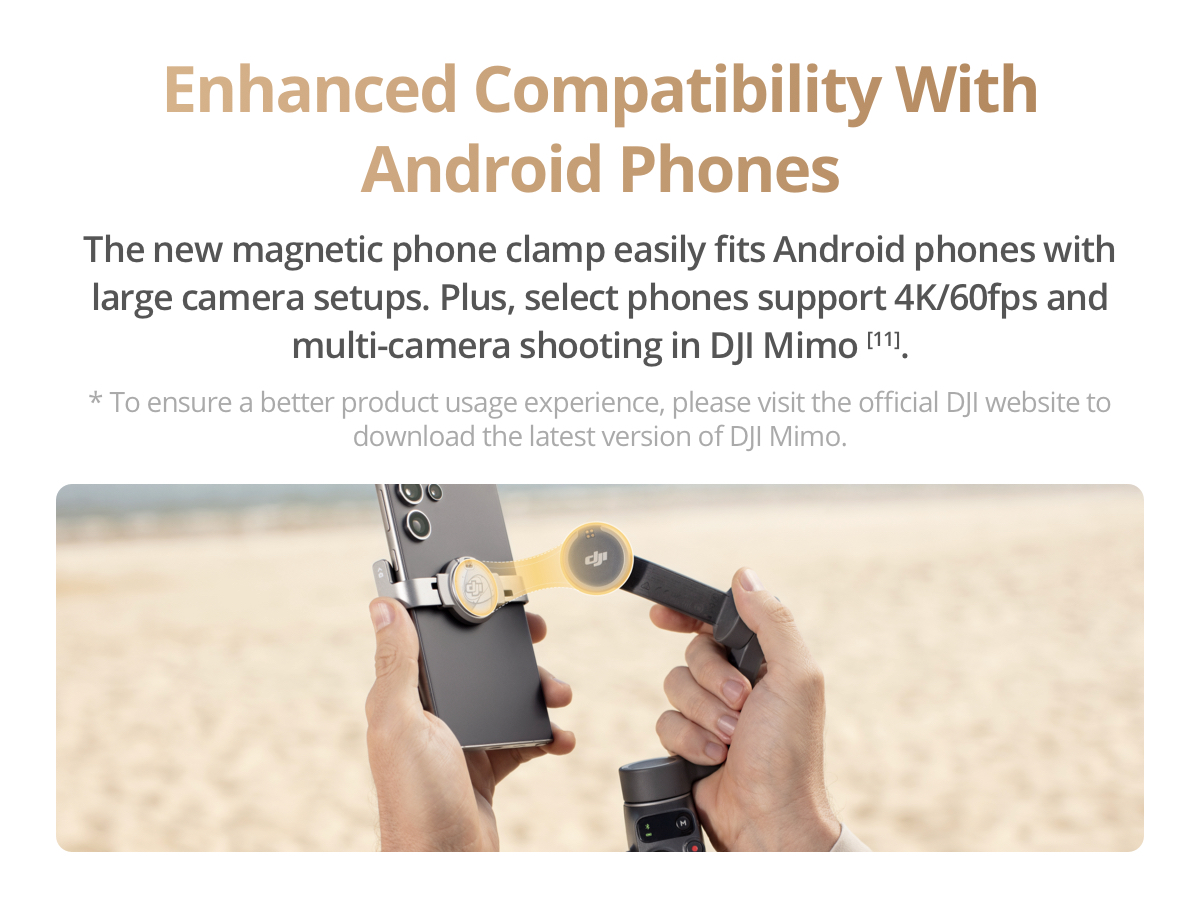
    • Due to platform compatibility issues, the DJI Mimo app has been removed from Google Play. For a better product experience, please visit the official DJI website to download the latest version of DJI Mimo.
    Product Dimensions11.34 x 4.21 x 3.78 inches
    Item Weight13 ounces

    imageimageimageimageimageimageimageimageimageimageimageimageimageimageimageimageimageimage


  • Important Information

    Product Compliance Information
    Manufacturer Details

    Manufacturer's Name:SZ DJI TECHNOLOGY CO.,LTD. 

    Postal Address:Lobby of T2, DJI Sky City, No. 53 Xianyuan Road, Xili Community, Xili Street, Nanshan District, 518055 Shenzhen China 

    Electronic Address:WWW.DJI.COM

    DJI Product User Instructions

    Thank you for choosing DJI. Before first use, fully charge the battery using the official charger and ensure the firmware is updated to the latest version via the DJI Fly app. For drones, power on the remote controller first, then the aircraft, and wait for the home point to be recorded before takeoff. During flight, keep the drone within visual line of sight and monitor battery levels through the app. For cameras, insert a compatible SD card and use the touchscreen or app to adjust settings such as resolution and frame rate. After use, power off the device, remove the battery if storing for extended periods, and clean the lens and body with a soft, dry cloth. Always store the product in a cool, dry place away from direct sunlight. For more detailed instructions, refer to the user manual or visit www.dji.com.

    Safety Guidelines

    Thank you for choosing our product. To ensure safe operation, please read the following precautions carefully before use. Do not charge the device immediately after use—allow it to cool down first. Always charge in a dry, well-ventilated area away from flammable materials. Keep the device away from water unless it is specifically rated as waterproof. For waterproof models, ensure all ports are securely closed before use in wet conditions. If used in saltwater, rinse with fresh water and dry thoroughly afterward. Drones should be flown in open areas away from crowds, buildings, and restricted zones such as airports. Maintain visual line of sight during flight and avoid adverse weather like rain or strong winds. Regularly inspect the device for damage, and clean with a soft dry cloth—do not use liquid cleaners. Keep small parts away from children. By using this product, you agree to assume all responsibility for safe operation. For more details, visit our official website.


  • Specifications
    Warranty
    One year
    Connectivity
    Bluetooth
    What’s Included
    Accessories Only
    Country of origin
    China
    Brand
    DJI

Reviews

No reviews yet
Buy now
Add to cart