 5.0(6 reviews)|80+ sold






Apple MacBook Neo 13-inch Laptop - A18 Pro Chip - 256GB Magic Keyboard - Silver
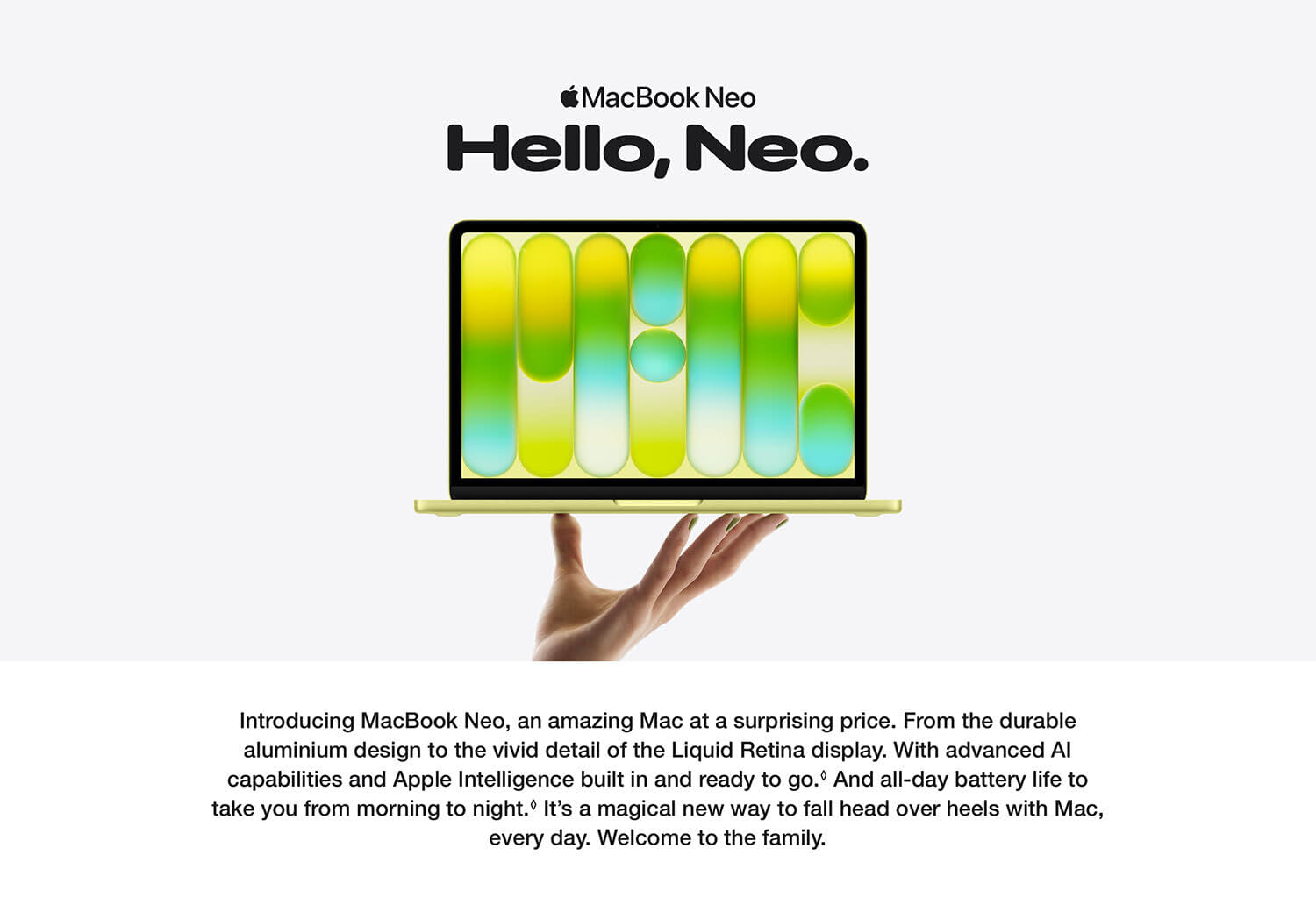
The Apple MacBook Neo 13-inch introduces a new generation of lightweight performance powered by the advanced A18 Pro chip. Designed for everyday productivity and smooth multitasking, this compact laptop combines powerful efficiency with Apple’s refined design and vibrant Liquid Retina display. Whether you’re working on documents, browsing the web, streaming content, or managing daily tasks, MacBook Neo delivers a fast and responsive experience in an ultra-portable form factor. Available in four stylish finishes—Blush, Indigo, Citrus, and Silver—it blends performance with personality, making it an ideal choice for students, professionals, and everyday users seeking reliability and elegance.
Key Features
A18 Pro Chip Performance – Powered by Apple’s A18 Pro chip with a 6-core CPU and 5-core GPU, delivering efficient performance for everyday computing and smooth multitasking.
13-inch Liquid Retina Display – Enjoy sharp visuals, vibrant colours, and excellent brightness on a stunning 13-inch display designed for comfortable viewing and creative work.
Lightweight & Portable Design – Slim, compact, and easy to carry, making it perfect for working from home, commuting, studying, or travelling.
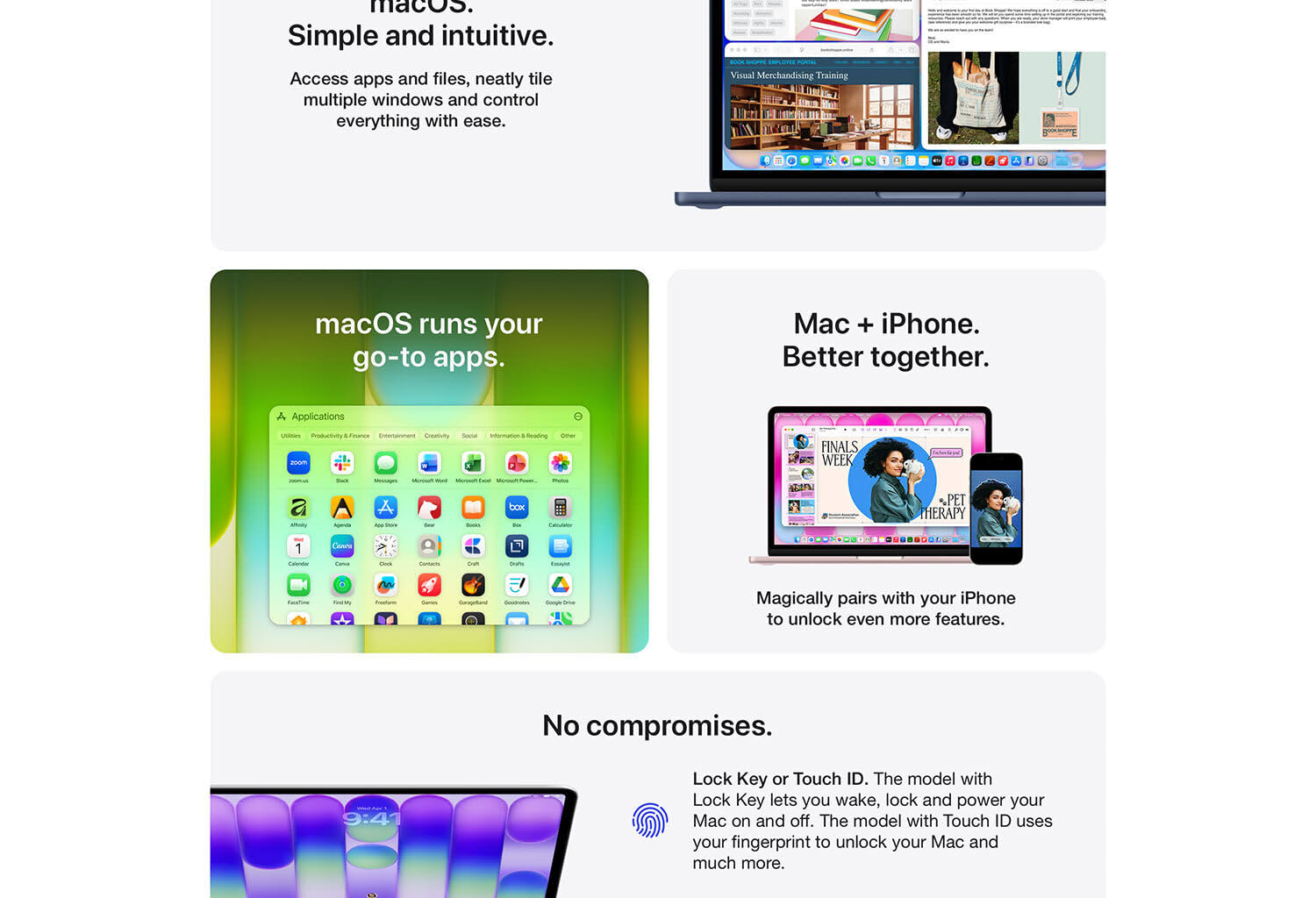
Magic Keyboard with Touch ID – Comfortable and precise typing experience with built-in Touch ID for secure login, quick authentication, and seamless Apple Pay purchases.
Flexible Storage Options – Choose between 256GB or 512GB SSD storage to suit your workflow, ensuring fast performance and plenty of space for files and applications.
Four Stylish Colours – Available in Blush, Indigo, Citrus, and Silver, offering a modern aesthetic that matches your personal style.
Perfect For
Everyday productivity such as Word, Excel, and presentations
Web browsing, video streaming, and online communication
Students, professionals, and home users
Users seeking a lightweight and stylish Apple laptop for daily tasks
Usage Instructions
Initial Setup: Power on your Apple MacBook Neo and follow the on-screen instructions to set up your device. This will include connecting to Wi-Fi, logging in with your Apple ID, and setting up Touch ID for secure logins and purchases.
Storage and Applications: Utilize the 256GB SSD for storing essential files, documents, and applications. Enhance productivity by installing apps for word processing, spreadsheets, and presentations that suit your needs.
Portability and Connectivity: Leverage the MacBook’s lightweight and compact design for on-the-go productivity. Connect to wireless networks using the built-in Wi-Fi for seamless internet access wherever you are.
Safety Warnings
Battery and Charging: Use the Apple-provided charger to avoid overcharging and to ensure optimal charging performance. Avoid charging in extreme heat or cold to maintain battery life.
Physical Care: Handle the laptop carefully to prevent drops or impacts, especially on hard surfaces. Regularly clean the Retina display and Magic Keyboard using appropriate cleaning products and microfiber cloths.
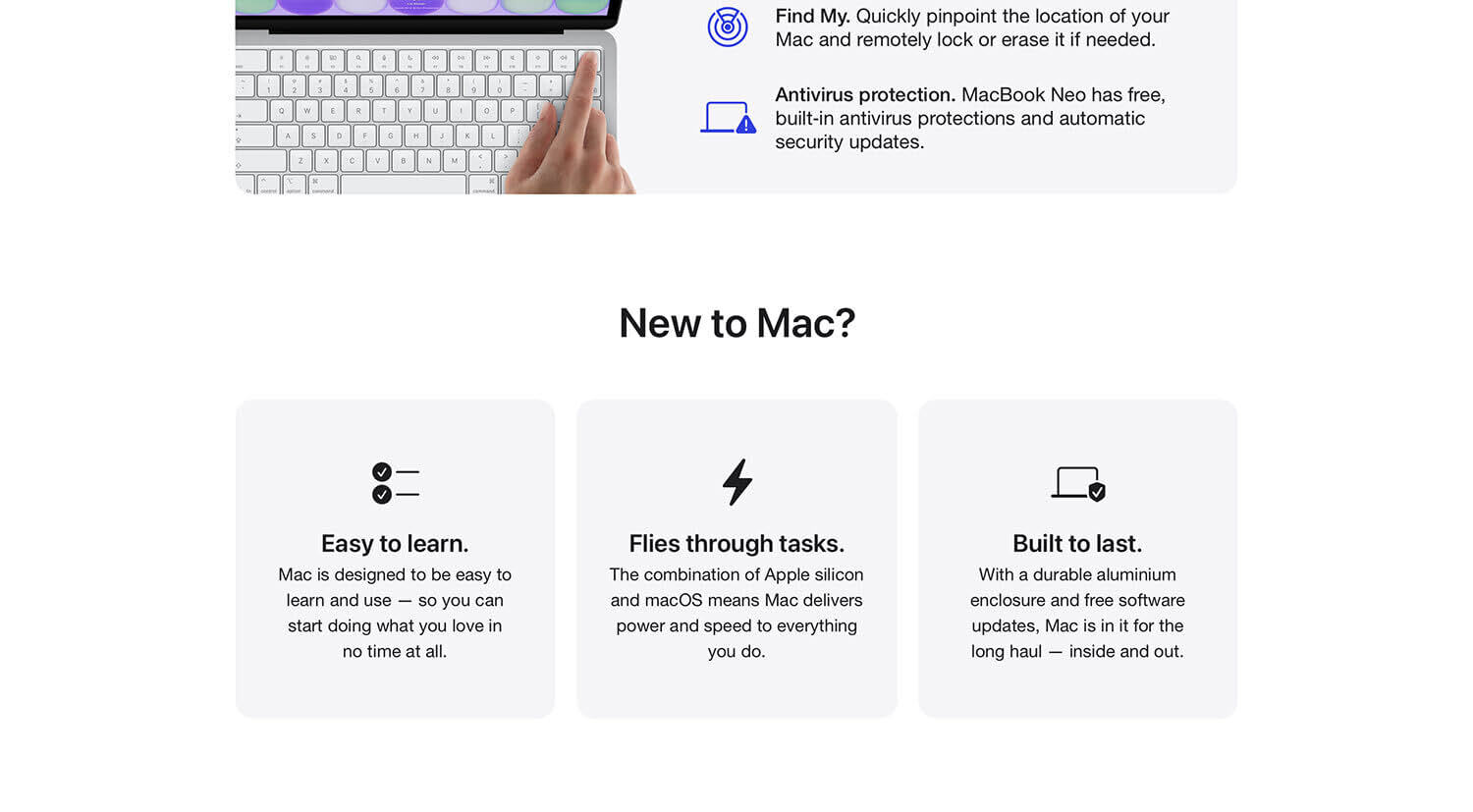
Software Security: Keep your MacBook’s software updated to safeguard against vulnerabilities and security threats. Enable firewall and security settings, and regularly back up your data using Time Machine or other backup solutions.
